Changelog

Follow new updates and improvements to ABLE.

🍂 ABLE Release Notes — September 25, 2025
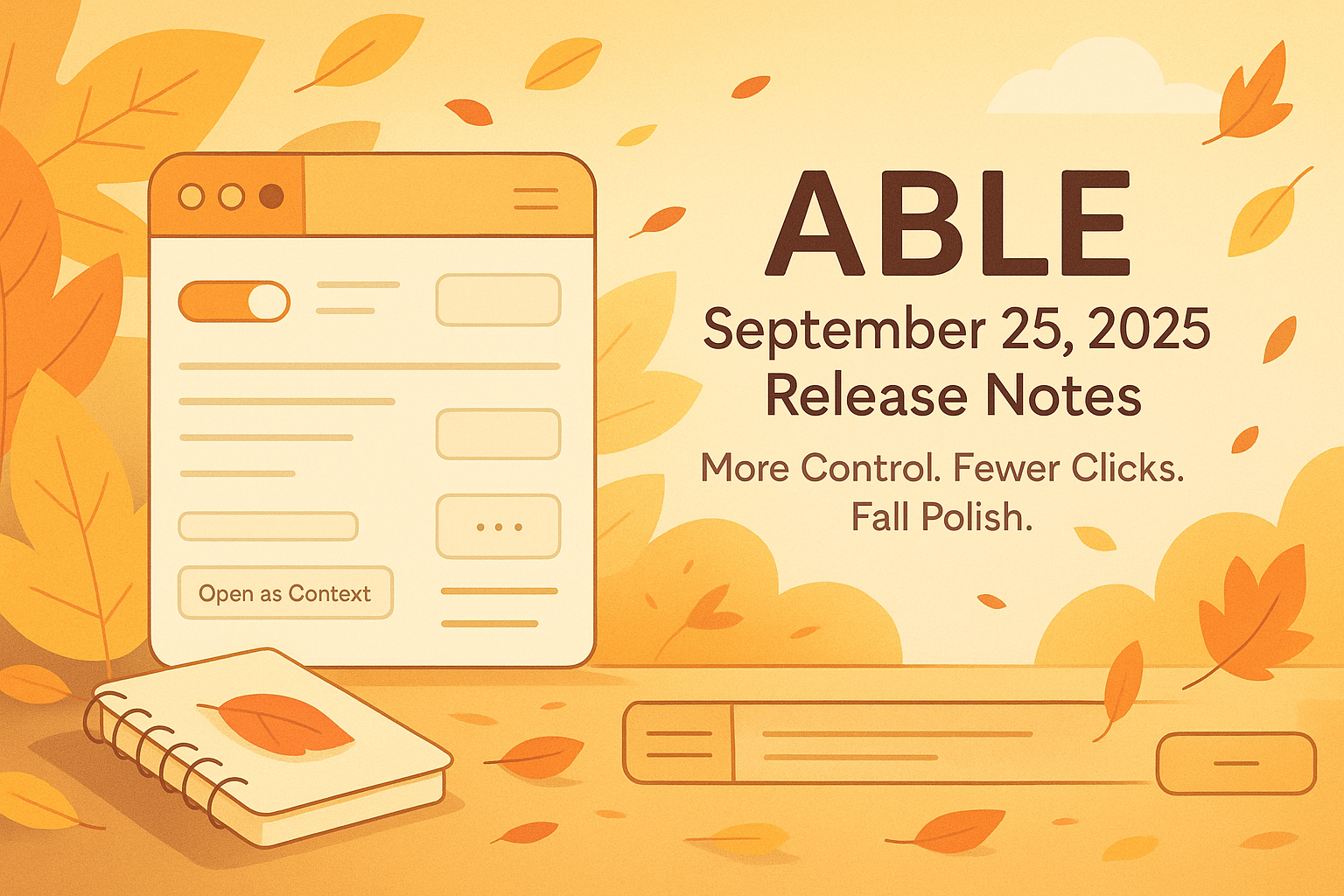
Small Things, Big Joys — More Control, Fewer Clicks, and a Touch of Fall Polish 🍁

Hello ABLE friends!

September is here, and with it comes a fresh wave of features, playful polish, and smart improvements — all designed to make your flow smoother, more intuitive, and dare we say, a little more fun.

Here’s what we’ve packed into this cozy autumn update:


✨ Improvements

  • Toggle Views in the Library

    Choose if you want to see the views (or if you don’t). The new toggle gives you more clarity and control.

  • Ellipsis Menus for Pages

    Finally! A compact menu for every page — just one click for actions like rename, duplicate, or delete.

  • Drag & Drop to Vaults and Contexts

    Drop your items straight into the root of Vaults or Contexts — fast, easy, intuitive.

  • Media Playing Indicators on Tabs

    See which tabs are playing audio or video at a glance — no more guessing who’s making noise.

  • Hovering over links now shows URLs (yey!)


🧹 Quality-of-Life Improvements

  • New Creation Menus (in Context & Library screens)

    A quick way to add items right where you need them, with fresh, clean menus.

  • Horizontal Divider in Context View

    Organize your views with a simple horizontal line and instant access to “Open as Context” or “Pin/Unpin”.

  • Sticky Breadcrumbs & Menus

    No more losing your way in a file. Breadcrumbs and context menus stay visible while you scroll.

  • Cleaner spacing between editor panes and blocks

  • Crisper, friendlier URL display across the app

  • Drag-and-drop just got smoother and smarter

  • Right-click menus now appear on empty areas too

  • Brand-new folder icons (empty vs. full!) + refined folder behavior

  • Updated shortcut for “Paste without formatting”

  • Breadcrumbs got a mini glow-up (yes, again!)

  • Inbox respects your folders — new items don’t get lost anymore


🐞 Bugs, Begone

  • PDF rename now keeps the extension (and opens correctly!)

  • PDFs opened via search no longer become Markdown goblins

  • CMD+Z doesn’t randomly delete your content anymore

  • Search modal stays open even if you open results in background

  • Tree elements behave nicely now when creating or renaming

  • Context menu-created items now land in the right place


That’s a wrap for September! 🍂

As always, your feedback helps us grow. Let us know what made your day easier — or what still needs a little love.

Happy creating,

— The ABLE Team 🚀
🚀 ABLE August 14, 2025 Release Notes

Smarter Blocking, Smoother Flow, Fewer Glitches

Hey ABLE users 👋

We’re back with another round of updates designed to make your digital workspace smarter, cleaner, and a lot more pleasant to use. This month we’re introducing a long-requested feature, some thoughtful quality-of-life improvements, and a satisfying list of bug fixes.

Let’s get into it 👇


✨ New Feature

🔇 Adblock (finally!)

You asked. We built it. Enjoy a cleaner web experience inside ABLE with our new built-in ad blocker.


🧠 Quality of Life Improvements

⌫ Delete Blocks with Backspace

Now you can quickly remove a block in the editor using the backspace key—just like you’d expect.

🧩 Unified View Icons

We’ve updated all view icons across the app for consistency and visual clarity.

🔗 Better Link Suggestions

When linking content to a view, website items now appear in the Suggestion Block to help you connect faster.

📐 Tighter Layouts

We’ve refined the spacing between the pane container and editor blocks—cleaner, sharper, more pleasant to work in.


🐞 Bug Fixes

  • ✅ YouTube progress bar now works—clicking to seek behaves as expected.

  • ✅ Views now properly appear in the Suggestion Block when linking with Option+L.

  • ✅ No more crashes when dragging a bulleted block into a higher position in another list.

  • ✅ Fixed weird scrolling behavior when returning to a site opened in a background tab.

  • ✅ Linking a folder no longer deletes its view with a web tab or wipes unpinned tabs.

  • ✅ “Paste” now inserts text into the right block, not the previous one.

  • ✅ Context menu “Paste” now correctly inserts clipboard content.

  • ✅ CMD+Click opens links in a background tab (as it should).

  • ✅ Pressing Enter in the address bar now shows the current URL instead of clearing it.

  • ✅ File and folder name validation is now consistent across creation and renaming.


That’s it for this round! As always, your feedback fuels everything we do—keep it coming.

Stay focused, stay sharp,

— Team ABLE ✨

🚀 ABLE Release Notes – July 30, 2025

Hello ABLE users! 🎉

We’re closing out July with one of our most feature-packed updates yet. This release brings powerful search enhancements, major upgrades to the Editor and Blocks system, and a smoother drag-and-drop experience. We’ve also introduced important quality-of-life improvements and crushed a mountain of bugs to make your workflow faster and more seamless.

Let’s dive in. 👇

🔍 Smarter Search

  • Search in knowledge base text (blocks in pages): Quickly find the exact content you need across all blocks within your pages.


✏️ Blocks & Editor Upgrades

  • Create basic blocks in the Editor: Build your pages faster with a more intuitive block creation flow.

  • Insert and edit web links in text: Easily add or modify links right within your content.

  • Support for lists (numbered & bulleted): Organize your notes with proper list formatting.

  • Text formatting tools: Bold, italic, and heading styles are now supported for richer document structure.


🖱️ Drag & Drop Enhancements

  • Drag & drop for pinning tabs: Simplify your workflow by pinning tabs directly via drag-and-drop.

  • Move folder tree elements into unpinned tabs: Organize sidebar views more intuitively with extended drag-and-drop support.

  • Context tree to view section drag & drop: Fixed cases where moves triggered toasts but didn’t complete.


🌐 Browser & Media Improvements

  • Disable autoplay for background videos: Tabs opened in the background no longer auto-play video content.

  • Camera and microphone support in web pane: Google Meet and other conferencing tools now work seamlessly inside ABLE’s built-in browser.

  • Expected browser shortcuts and functions: Expanded support for familiar browser commands to improve navigation.


🗂 File Management & PDF Reader

  • Internal file manager: Select locations in the library for opening, saving, copying, and moving files.

  • “Open in Finder / File Explorer”: Jump directly to files on your system from Library or Views.

  • New PDF Reader: View and manage PDFs directly inside ABLE without external tools.


⚡ Quality of Life Improvements

  • CMD/CTRL + R refreshes only the active pane: Prevents unintended app-wide refreshes.

  • YouTube full-screen support: Enjoy distraction-free playback directly within ABLE.

  • Shortcut to invoke “Link to” in Library and Sidebar: Faster content linking with fewer clicks.

  • Search text on page (CMD/CTRL + F): In-page search for both web content and page text.

  • Zoom per pane: Zoom individual pages without affecting the entire app interface.

  • View full shortcut list: Discover and learn all available keyboard shortcuts in one place.

  • Website suggestions in “Link to” block: When linking content to views, relevant websites now appear directly in suggestions for faster navigation.

  • Persistent tab titles after webview unload: Tab titles now remain visible even after 30 minutes of inactivity.


🐞 Bug Fixes

We’ve resolved numerous issues across the app, including drag-and-drop inconsistencies, browser pane search, and overall stability improvements.


Why this matters

This update lays the groundwork for a more powerful and flexible ABLE—from deep search across your knowledge base to richer editing and formatting tools and smarter file management. Whether you’re researching, writing, or organizing contexts, ABLE is now faster, smoother, and more capable than ever.

As always, your feedback is invaluable—let us know what you think and what you’d love to see next. Enjoy the new updates! 🚀🔥

Earlier updates